top of page


PropBoxBuilder
My custom level design tool, called the PropBoxBuilder, makes it easy to add game assets in Unity scenes. I created the tool entirely on my own and documented the project extensively, outlining my ideas and the skills I wanted to develop along the way. I also used Trello to keep track of user stories and tasks.
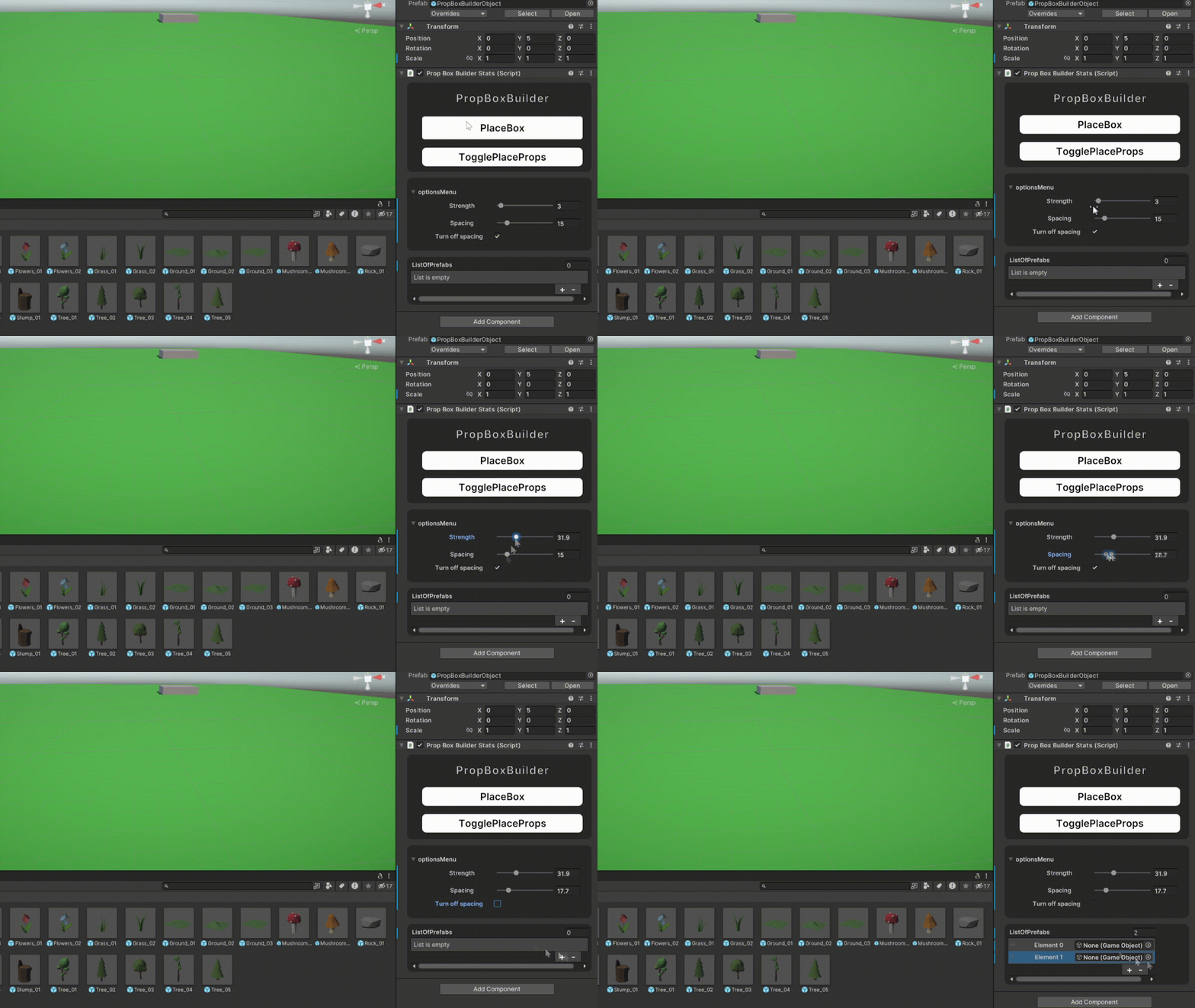
Custom Menu
First, I created a custom menu to select the prefabs I wanted to place. I included a button for spawning objects randomly, a slider to control spacing, and a slider to adjust spawn strength (determining the number of objects to spawn). Additionally, I added two buttons: one for adding the box and another for deleting the box and replacing it with the selected prefabs. I built this custom menu using UXML, learning the framework as I went.


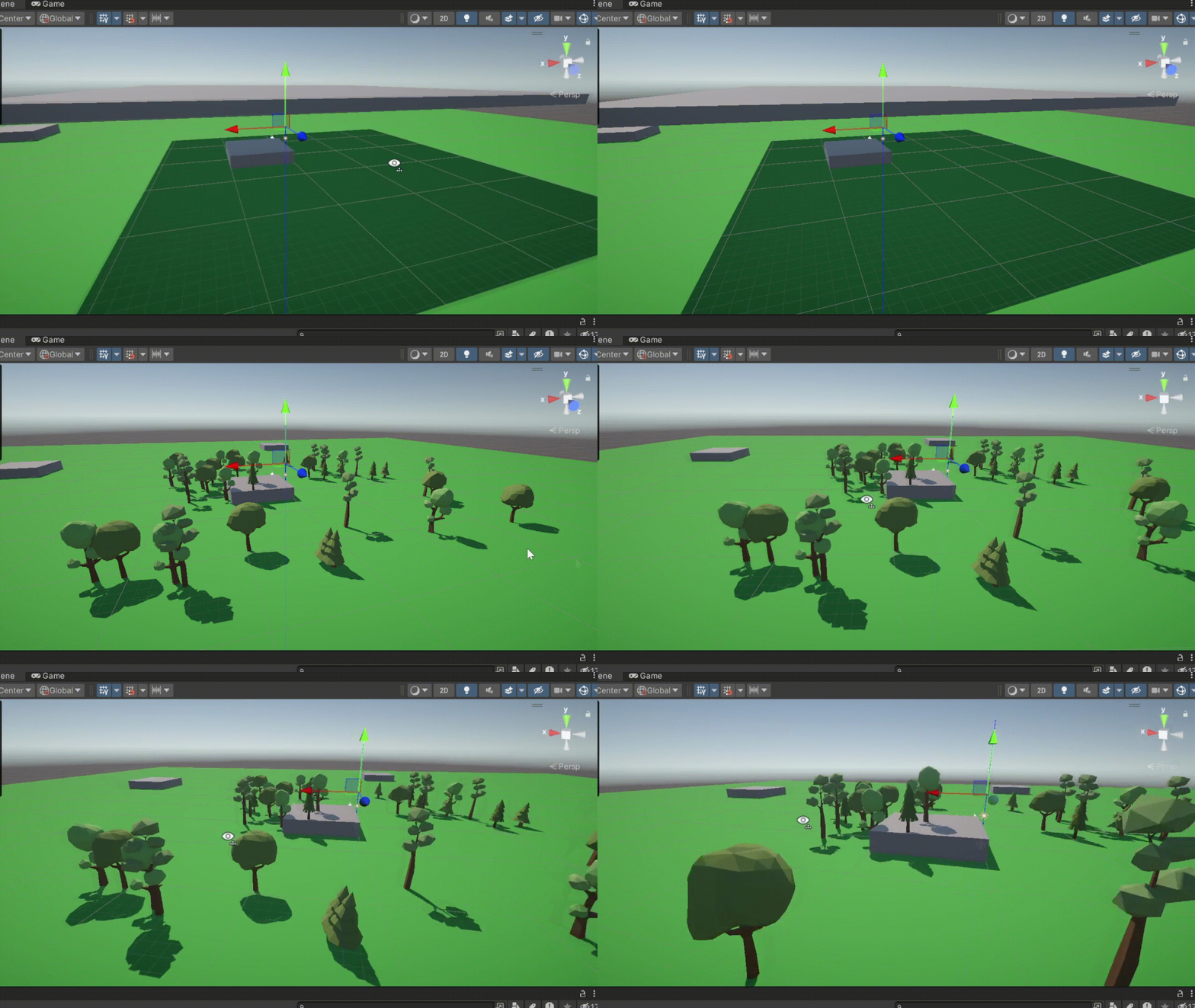
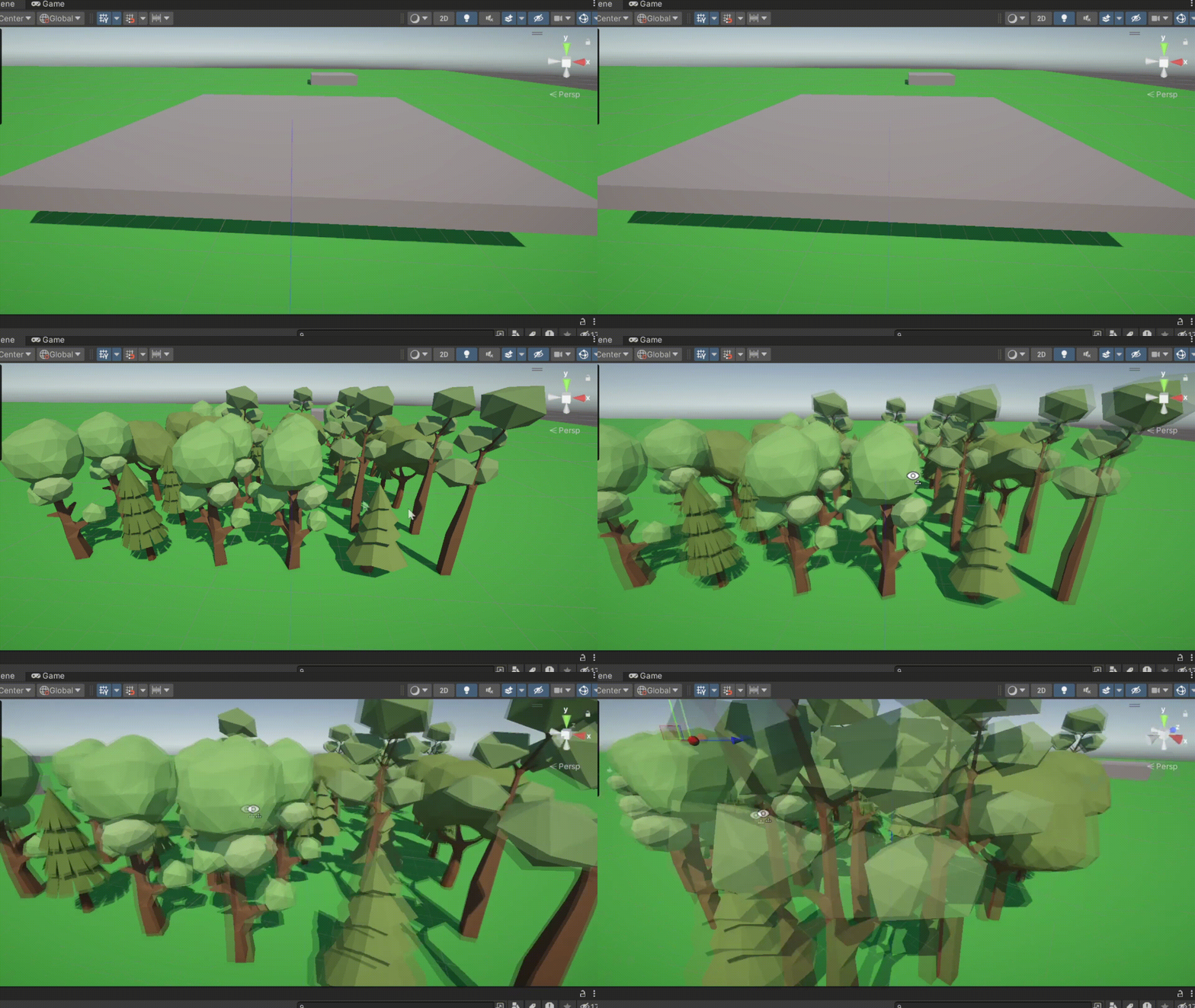
Spawning the props
To spawn the props, I first add a box to the scene, which can be moved and resized as needed. Once positioned, you can press a button to delete the box and replace it with the selected game assets. These assets will spawn with the chosen spacing or randomization settings. Additionally, the props are placed at the correct height, with each one spawning on the first collider beneath it—whether that’s the top of a mountain or lower down in the scene.



bottom of page